
Effortless Meeting Notes: 20 New Meeting Summary Templates & Custom Template Guide

Are Google Meet’s Live Captions Not Enough? A Comparison Guide to Meeting Ink’s Cross-Platform Real-Time Translation and Meeting Transcription
Through our work with enterprises and various clients, we’ve noticed a clear pattern: even highly digitalized teams often face information gaps in cross-language meetings when instant support such as live transcriptions or real-time translation is limited. These gaps slow communication and increase the effort required to reach decisions. Tools like Google Meet and Teams offer automatic captions, but their built-in features can be restrictive. When subtitles lack flexibility or accuracy, discussions become less efficient and important decisions take longer than they should. Common application scenarios include: - Cross-border project meetings that require live transcriptions and real-time translation - Situations where built-in captioning in Teams, Zoom, or Google Meet is not accurate or flexible enough - Remote training sessions, seminars, or forums that need captions to help participants follow along - Client presentations that require professional real-time translation

AI Meeting Assistant Comparison: Meeting Ink vs Notta for Notes, Audio-to-Text & Live Transcriptions
💬 "Manually taking meeting notes is exhausting. I need a smarter, faster solution." 💬 "Online meetings across different languages? I just want accurate summaries without the hassle." This article explains the differences between two AI notetaker tools, covering everything from voice recording and transcription, live translation to meeting summaries. You’ll get a clear look at the pros and cons, so you can see how each tool manages audio-to-text and meeting notes.

AI Meeting Assistant Tools Compared: 2025 Guide to Meeting Ink vs. PLAUD NOTE for Efficient Meeting Notes
Choosing the right AI meeting assistant can completely change the way you handle online meetings. From recording important discussions to creating clear meeting notes and turning audio files to text, the right tool helps you save time, stay organized, and focus on what matters most. In this guide, we compare Meeting Ink and PLAUD NOTE so you can find the AI meeting notes tool that fits your needs. While PLAUD NOTE is geared toward personal voice recording and transcription, Meeting Ink is built for teams, offering professional-grade AI transcription software and AI notetaker features that make creating meeting minutes effortless.
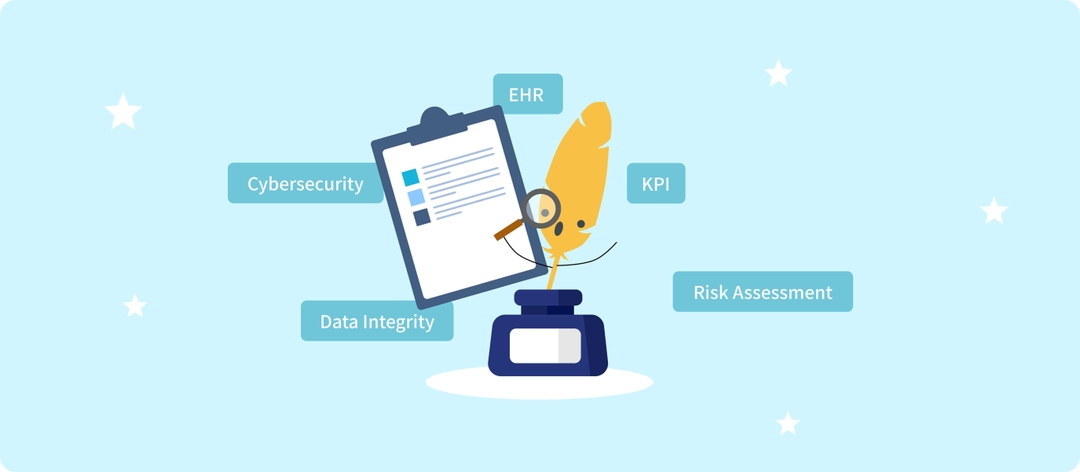
Boost meeting notes accuracy with your custom vocabularies.
Now you can upload the terms your team or industry uses every day—project codes, technical jargon, acronyms, even names—and Meeting Ink will recognize them with higher accuracy in transcripts and summaries. Your data stays safe and private: Custom Vocabulary is only applied within your account or organization and fully aligned with ISO 27001 security standards. With Custom Vocabulary, Meeting Ink understands your world better, delivering transcripts and summaries that feel closer to real conversations and your professional context.

The Essential AI Meeting Minutes Tool for Headhunters | How Meeting Ink Can Help You Reduce 50+% of Your Processing Time
"In the headhunting industry, time is conversion rate." - Xiao Ting, a senior headhunter with many years of experience in the tech industry. As the CEO of DeepWave Intelligence, I have always been thinking about how to recruit suitable talents for enterprises, and I deeply understand that in the process of finding suitable talents, the completeness and efficiency of information determine everything. We are not the only ones with this problem; many good partners working in the headhunting industry also have this trouble. Xiao Ting (pseudonym) is a headhunting consultant who has cooperated with us for a long time and shared how Meeting Ink helped her solve the difficulties in her headhunting work:
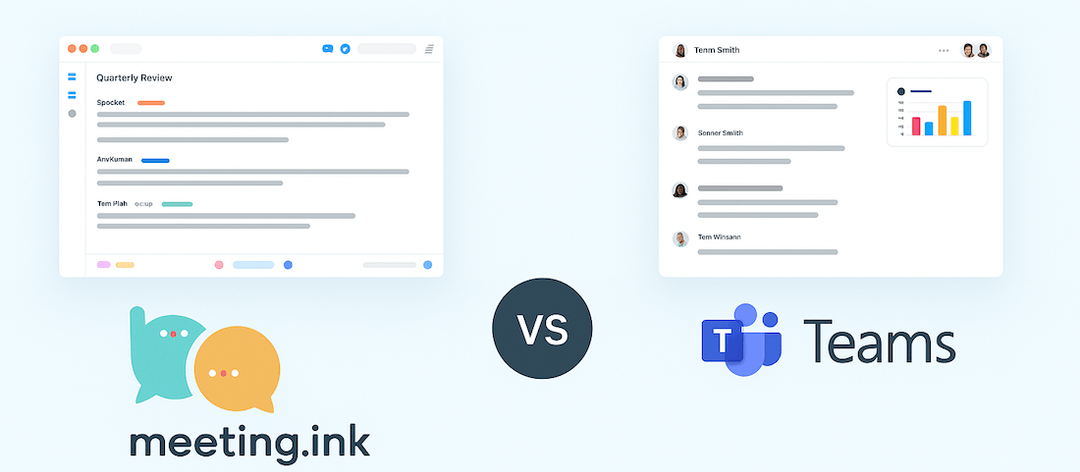
Meeting Ink vs Teams | Meeting Ink's Advantages & Highlights
How should I choose a meeting recording tool? Is the Microsoft ecosystem too expensive to maintain? Don’t worry—let Meeting Ink help. It works right in your desktop and mobile browsers and supports Google Meet, Teams, and Webex. Tired of organizing notes by hand? Meeting Ink automatically generates verbatim transcripts and AI meeting summaries, and supports real-time transcription in 12 languages, making every meeting more efficient!

Intelligent and Secure Meeting Solution: AI Transcription and Summarization for Government and Large Enterprises
For government agencies and enterprise teams, meetings play a critical role in decision-making, policy development, and operational planning. Ensuring accurate documentation and easy access to key insights is vital. Meeting Ink is a secure, AI-powered platform that streamlines meeting recording, live transcription, intelligent summarization, and translation—tailored for high-stakes, large-scale environments. It delivers enterprise meeting solutions designed to support complex workflows, multilingual communication, and compliance needs across departments and jurisdictions.

Meeting Ink AI: Automatic Language Detection in Meetings
Do your work meetings sometimes bounce between different languages? When you turn on "Automatic Detection (Multilingual)" under Transcription Language, Meeting Ink's multilingual model automatically figures out which language is being spoken and delivers an accurate transcript. Even if several languages pop up in the same recording, it can recognize them line-by-line and display each segment in the correct language.

2025 Meeting Ink: Live Captions & Auto Translation for Online Meetings | Managing Global Teams with Ease
Attending online meetings on platforms like Google Meet, Teams, or Zoom can be challenging - fast-paced conversations, diverse accents, and limited built-in captions often make it easy to miss key points. For global teams, simple audio transcription software is no longer enough. Modern meetings rely on AI-powered meeting assistants that offer live captions and real-time speech translation, capturing discussions accurately across languages and helping everyone stay on the same page.

The Real Challenges of Using AI Meeting Tools in Manufacturing, Healthcare, and Tech: What It Takes to Reach 85% Transcription Accuracy
When AI Doesn’t Understand Your Terminology For companies in traditional manufacturing, healthcare, or tech, one of the first hurdles when adopting speech-to-text tools is painfully familiar: “It doesn’t understand our industry terminology at all.” This issue often arises with technical terms or field-specific language. Transcriptions are frequently riddled with misinterpretations, making it difficult to rely on the output. While some mistakes may seem amusing at first, they create real challenges for frontline staff - often requiring entire transcripts to be rewritten manually and making accurate summaries nearly impossible.