Every Platform, Every Method
Record Online or Offline
Whether it's an online or in-person meeting, wherever there's a spoken conversation, Meeting Ink can record it.
With built-in subtitles, translation, and media-link uploads, it goes beyond meetings—elevator pitches, forums, online courses and more are instantly captured and turned into accurate text for easy review. Real-time subtitles even let you stay focused on the content, boosting efficiency and teamwork.
Physical Meeting
Capture every detail of in-person meetings. Get accurate transcripts for easy review and sharing, improving collaboration and efficiency.
Hybrid Meetings
With some people onsite and others remote, Meeting Ink captures both ends at once so no one's words are missed. Everyone receives the same summary afterward, keeping cross-location collaboration perfectly aligned.
Online Courses & Teaching
Record classes automatically and generate transcripts as they happen, then produce chapter highlights and key-point summaries afterward. Teachers share them with students in a click, turning every lesson into a learning resource to revisit anytime.
Interview Record
Focus on the conversation, not note-taking. AI captures accurate transcripts instantly, perfect for HR, media, and research professionals.
Customer & Sales Calls
Preserve every customer conversation in full—each need, concern, and commitment captured word for word. Handovers and follow-ups always have the original dialogue to reference, no longer relying on memory or hearsay.
Personal Record
Start anytime and save as you speak—ideas, reminders, and reading notes can all be spoken aloud. Meeting Ink turns your voice into searchable text, transforming scattered thoughts into an organized personal knowledge base.
Four Ways to Record, for Every Meeting Scenario
Online or offline, computer or phone, manual or automatic—Meeting Ink has a way for every situation.
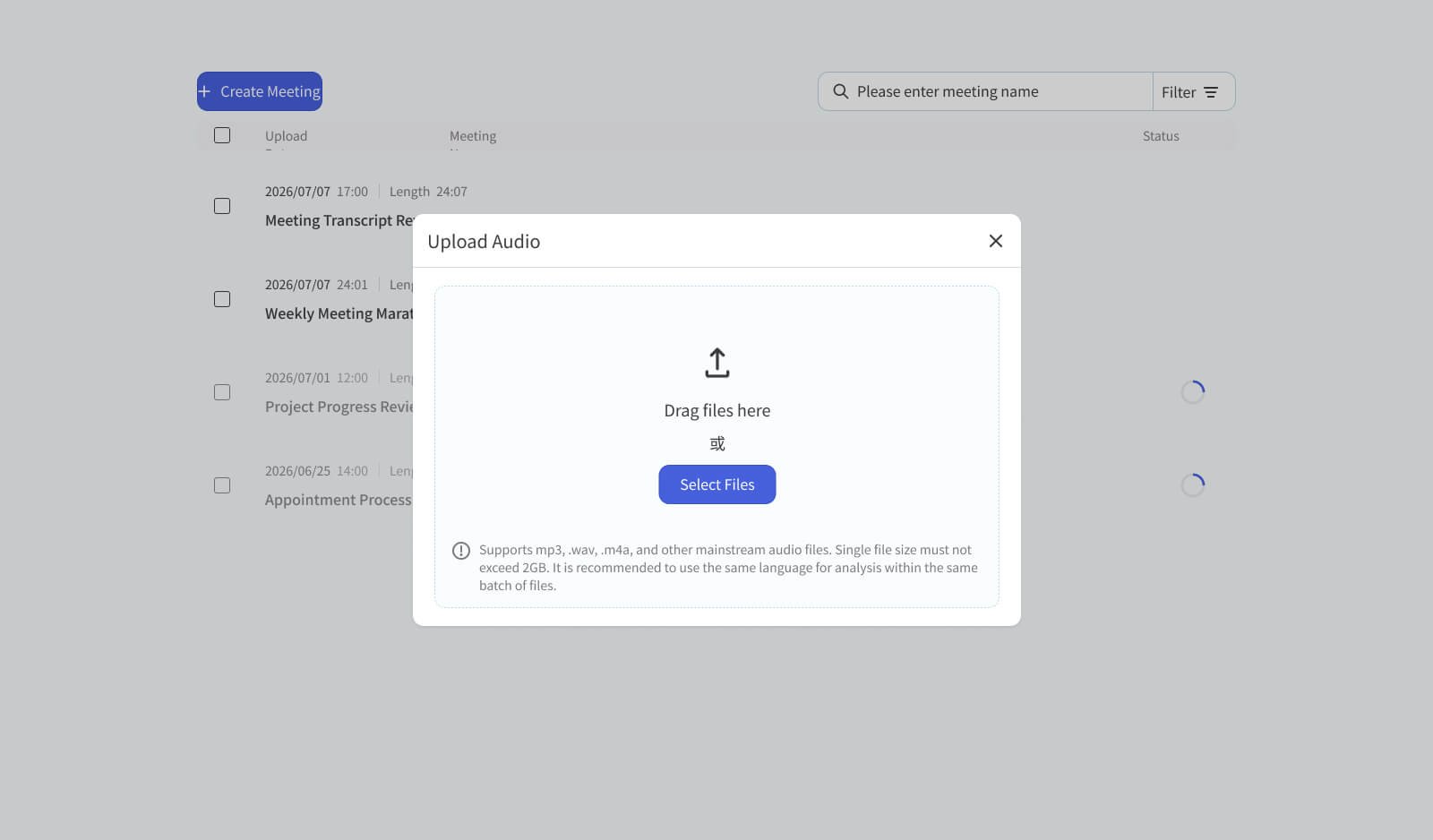
Recording, subtitles, and translation—all in one
No plugins or extra software to install—just open your browser, sign in to Meeting Ink, and start recording right away. In-person, online, or hybrid, it's one click to begin. During recording you can turn on live subtitles and translation and share them with everyone in real time; when the meeting ends, the transcript and summary are done automatically. It's the most effortless starting point for anyone.
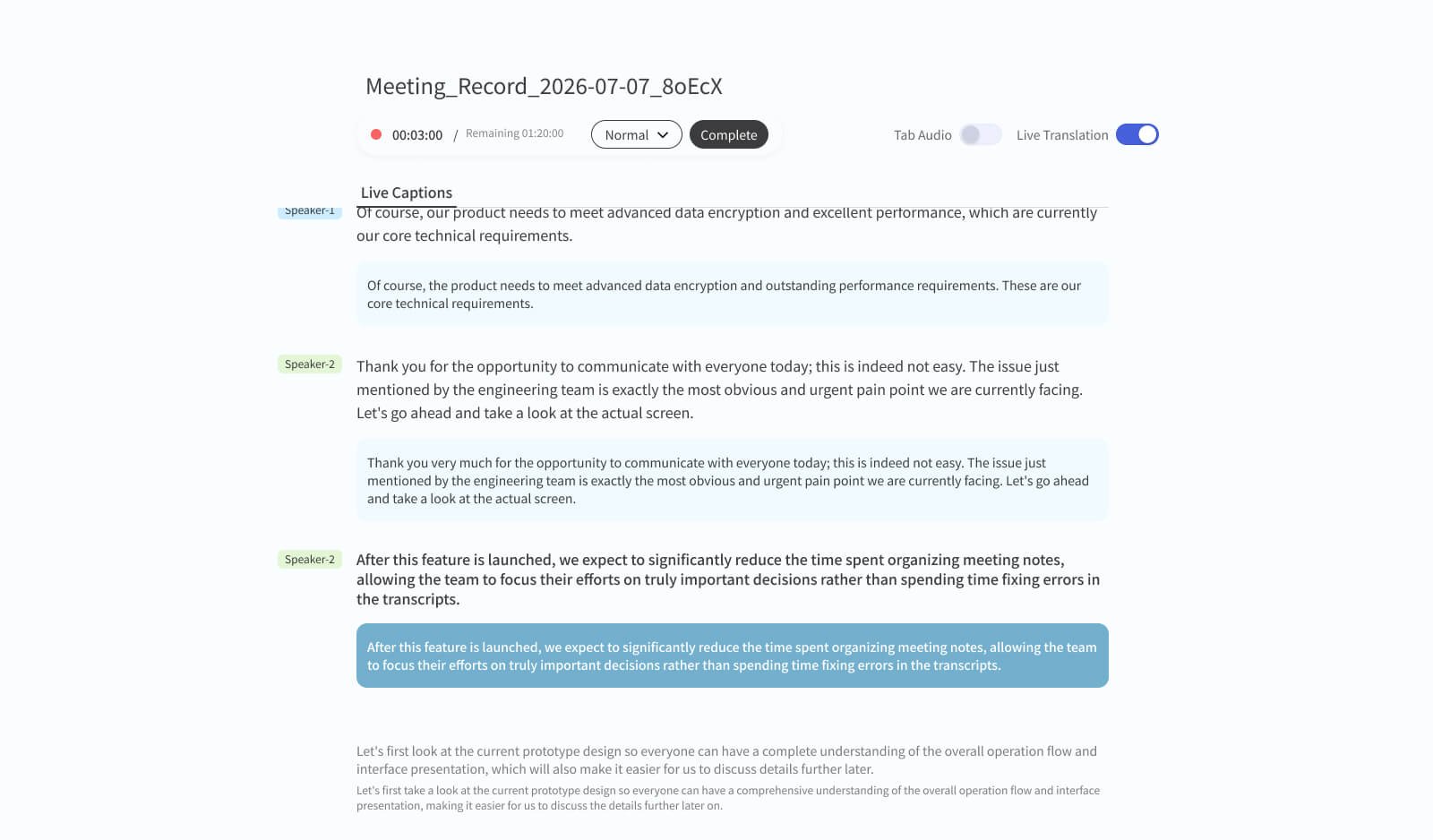
Put a meeting assistant in your pocket—record anytime, anywhere
Client visits, business trips, a one-on-one at a café—there's no computer in these moments, but the need to record is just as real. Meeting Ink works on iOS and Android; wherever you have a connection, open the app and start recording. When you're done, the transcript arrives automatically, fully synced with the desktop.
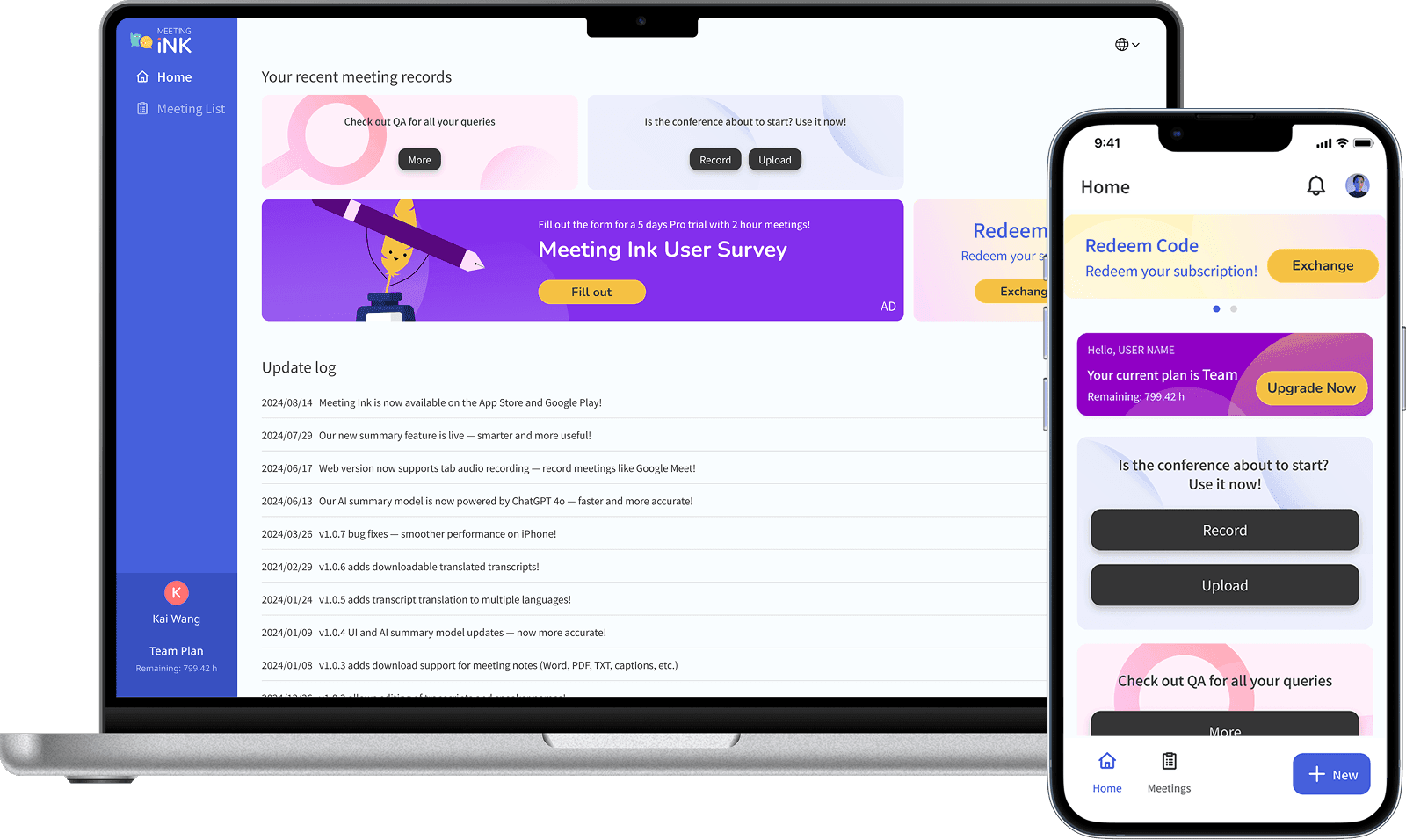
Send a bot, automate your meeting records
For online meetings, just connect your calendar or send a meeting bot into the room manually—it joins on time and records the whole session, with zero manual effort. When the meeting ends, the transcript and AI summary are pushed automatically to your inbox and those of other attendees. Ideal for recurring meetings, large cross-department discussions, or whenever the host has no time to handle notes.
Supported meeting platforms: Google Meet, Teams, Zoom, Webex
Supported calendars: Google Calendar, Outlook Calendar
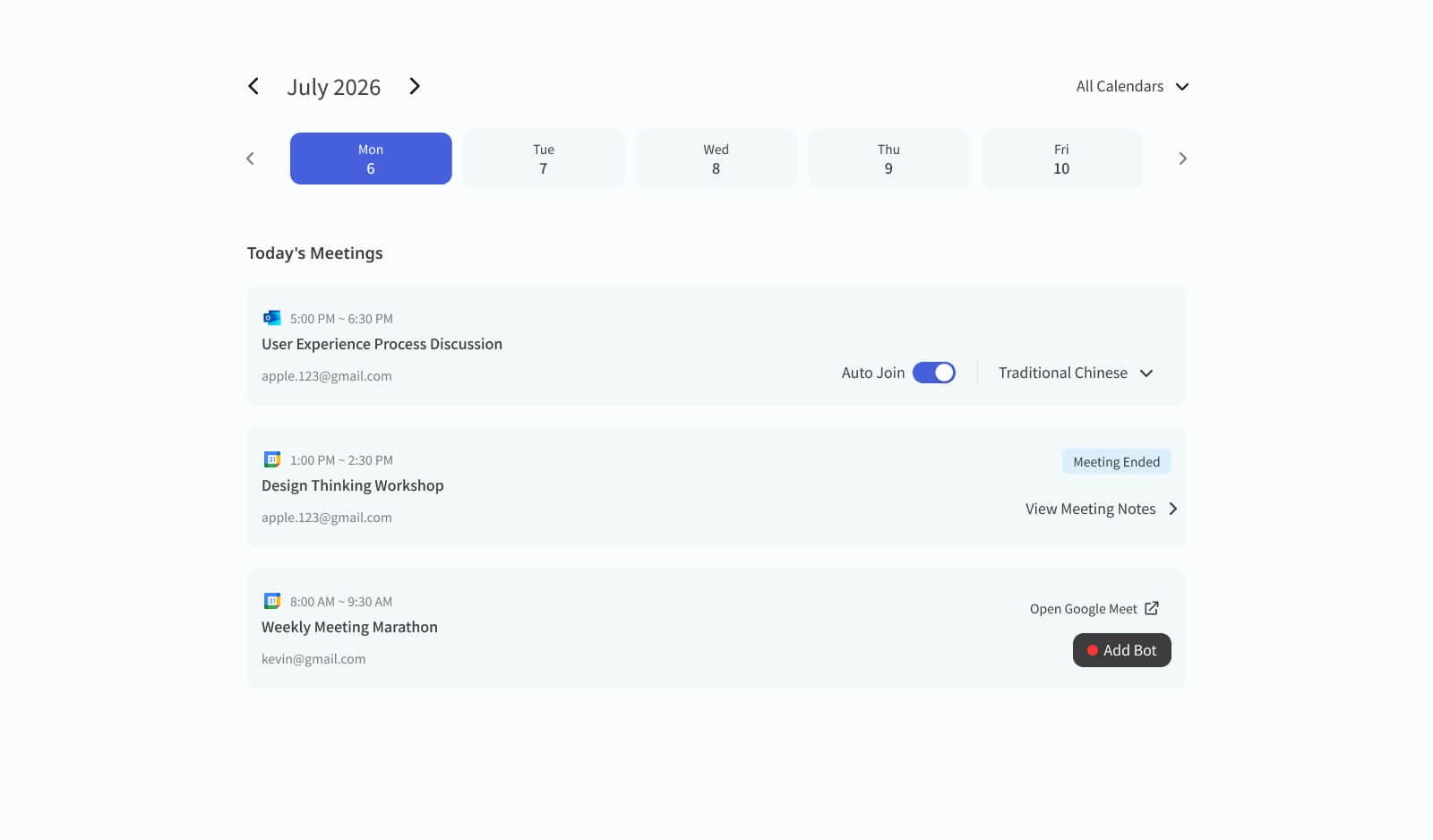
Already have an audio file? Just upload it
Whatever recorded the audio—a voice recorder, a camera, or any other device—just upload it to Meeting Ink and the AI automatically turns it into a transcript and summary. Perfect for offline situations without a connection.
Beyond meeting recordings, YouTube and podcasts are supported too—just paste a link to easily turn any audio or video into a searchable text record.