Boost Your Meeting Productivity: How to Improve Performance with Meeting Ink
November 21, 2024In the digital age, online meetings are an essential part of work and study, connecting people and teams regardless of location. To get the most out of these virtual interactions, leveraging Meeting Ink can significantly boost productivity, focus, and accessibility. Here’s how you can maximize your meeting performance with this powerful tool.
Automate Transcription for Enhanced Focus
Transcribing meetings serves as an invaluable resource, especially for capturing critical details that might otherwise be missed. Transcripts create a complete record of discussions, allowing participants to focus on the conversation without worrying about taking notes.
While many platforms like Microsoft Teams offer built-in transcription features, they often fall short in accuracy, especially when dealing with different languages or multiple speakers.
Meeting Ink overcomes these limitations by providing multilingual, high-precision transcriptions that minimize errors and enhance clarity. It recognizes and labels different speakers, resulting in organized, easy-to-navigate transcripts. This also produces a complete, editable record of the meeting, which is convenient for follow-ups and future reference.
Tip: Encourage participants to introduce themselves at the start of the meeting to help Meeting Ink correctly identify and assign a name to each speaker.
Use AI-Powered Summaries for Quick Access to Key Points
Meetings, especially lengthy ones, often cover a variety of topics and can include off-topic discussions. This makes it difficult for participants to later identify key decisions, action items, and other essential information.
Meeting Ink’s AI summary feature goes beyond a simple recap. It tailors summaries based on the specific role or type of meeting, so that each summary reflects the most relevant points. This allows team members to stay informed without wading through unrelated details, making follow-up and task prioritization more efficient.
Tip: To improve the accuracy of the AI summary, incorporate keywords while speaking, like “agenda,” “decision,” “conclusion,” or “next steps,” to help highlight action items and essential conclusions.
Overcome Language Barriers with Multilingual Support
With support for over 20 languages, Meeting Ink’s live transcription and translation feature enables seamless collaboration for global teams. Participants can speak in their preferred language, and Meeting Ink will ensure discussions are accessible to everyone. Transcripts and summaries can also be translated after the meeting, for clarity and understanding across language divides.
Simplify Sharing and Archiving for Easy Access
Meeting Ink makes it easy to share and archive meeting notes, recordings, and transcripts in a standardized, readable format. All documents are stored in one accessible location, ensuring nothing gets lost and allowing team members to quickly revisit key discussions. This organized archive can be a valuable resource for onboarding new team members or for reviewing past projects.
Tip: Set up a consistent naming convention for archived meeting notes (e.g., date and project name) to quickly locate relevant information. Encourage team members to save meeting links in a shared folder for easy future reference.

Conclusion: Unlock the Full Potential of Your Meetings with Meeting Ink
In a world where online meetings have become a cornerstone of teamwork and communication, ensuring their efficiency and effectiveness is crucial. Meeting Ink empowers you to optimize your meetings by providing advanced tools for transcription, summarization and multilingual support. By adopting Meeting Ink, you streamline your workflow, reduce manual effort, and improve the accuracy of your meeting documentation. This allows teams to stay focused, save time, and maintain a clear, actionable record of each discussion.

Meeting Ink を無料で試す
Meeting Ink の全ての主要機能を体験して、会議をより効率的に!
もっと読む
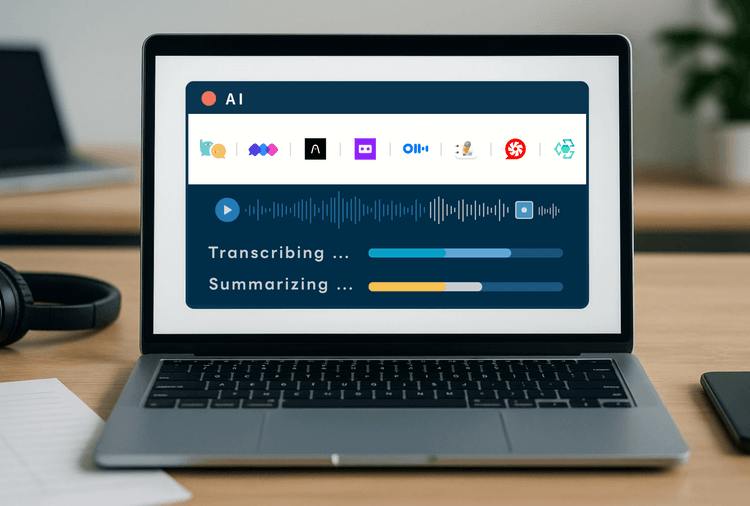
2025年版 AI議事録ツール徹底比較:音声認識と要約スピード実測レビュー(8製品)

顔パスで、議事録へ。Meeting Ink がパスキーログインに対応しました

AI議事録ツールを正しく選べていますか?よくある5つの誤解を徹底解説