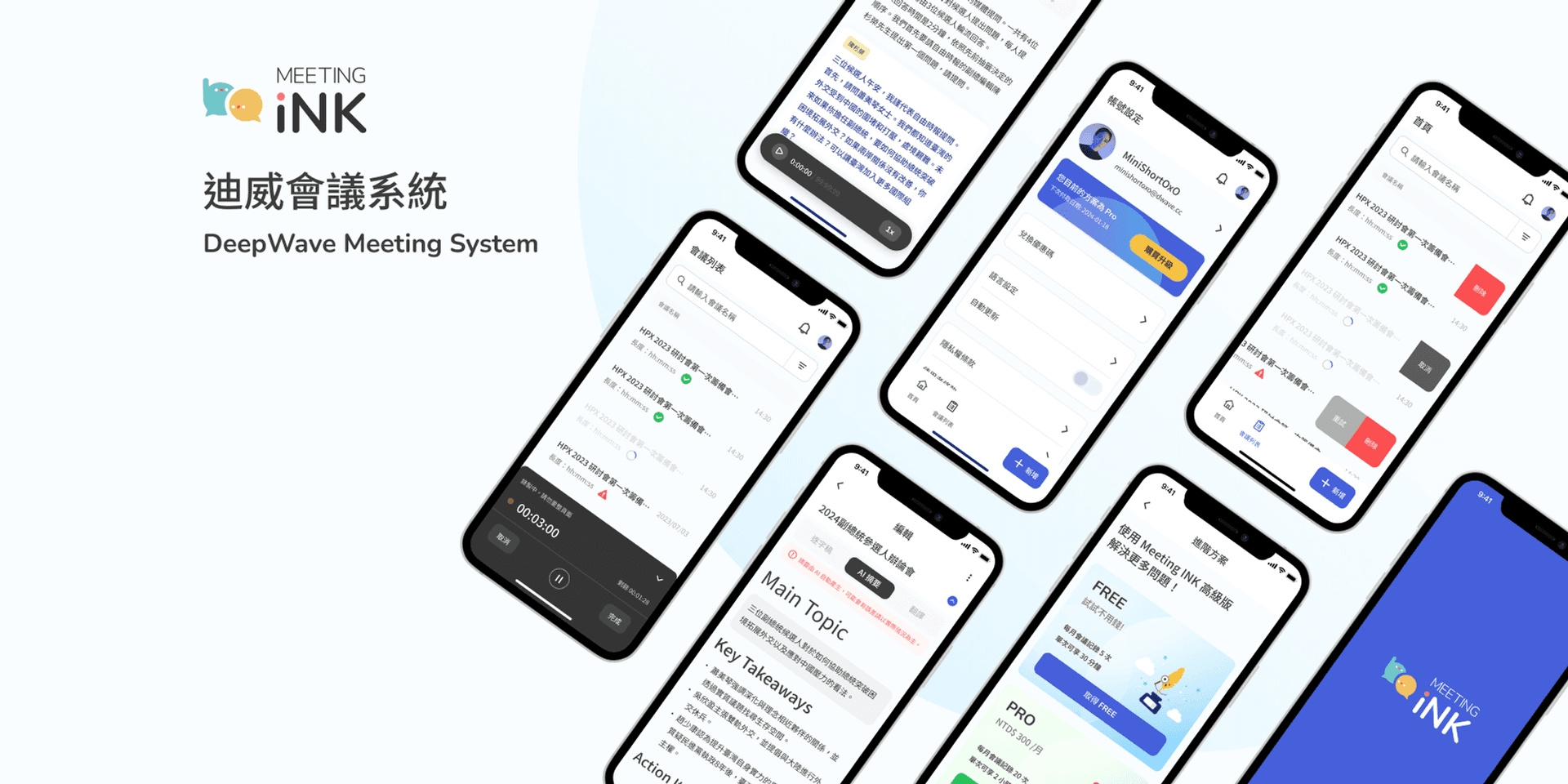
Meeting Ink Announces Latest Product Update: Enhanced Meeting Notes with Role-Based Custom Summaries
July 29, 2024Meeting Ink is excited to unveil its latest product update, designed to make meeting notes smarter, more accurate, and tailored to the needs of various professional roles. The highlight of this update is the Role-Based Custom Summaries feature, which allows users to generate meeting summaries that are relevant to their specific roles, thereby enhancing work efficiency.
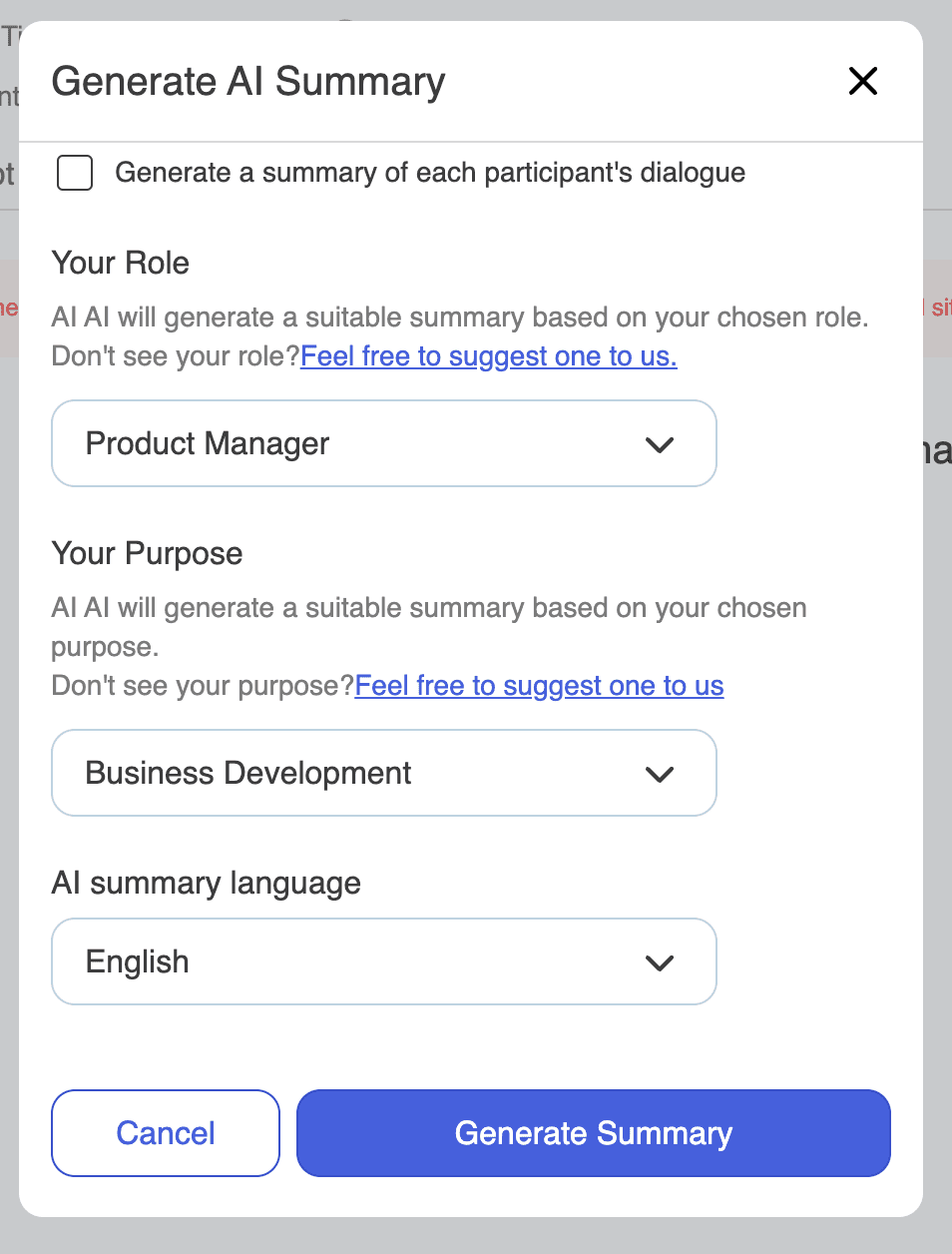
New Feature Highlights:
- Role-Based Custom Summaries: Users can select their roles from a predefined list, and the system will generate summaries tailored to the needs of those roles, ensuring each participant receives the most relevant information. Supported roles include:
- Meeting Assistant
- Sales Representative
- Product Manager
- Project Manager
- Administrative Staff
- Marketing Specialist
- HR (Human Resources)
- Business Manager
- Researcher/Academic
- Journalist
- Operations Manager
- Legal Advisor
- Finance Manager
- IT Manager
- Purpose-Based Summaries: Users can choose the purpose of the summary they need, and the AI will generate practical summaries accordingly. Supported purposes include:
- Meeting Minutes
- Business Development
- Requirement Meetings
- Interview Records
- Personal Notes
- Interview Evaluations
Real Cases:
- Sales Representatives:
- Sales Meetings: After meeting with potential clients, sales representatives can quickly generate business requirement summaries, including client needs, key negotiation points, and follow-up plans. This ensures timely follow-ups and increases the chances of closing deals.
- Sales Reports: After weekly meetings, sales representatives can generate sales report summaries, covering sales data, goal achievements, and areas for improvement.
- Product Managers:
- Requirement Meetings: After requirement meetings, product managers can generate requirement summaries, detailing customer or team needs, and automatically prioritizing them and assessing technical feasibility. This streamlines product planning and development.
- Product Development Meetings: After development meetings, product managers can generate progress report summaries, covering project progress, encountered issues, and next steps.
- HR (Human Resources):
- Interview Evaluations: After interviews, HR can immediately generate candidate evaluation summaries, including professional skills, interview performance, and overall assessment, facilitating hiring decisions and team discussions.
- Employee Evaluations: After employee performance review meetings, HR can generate evaluation report summaries, covering employee performance, achieved goals, and future development plans.
- Administrative Staff:
- Administrative Meetings: After administrative meetings, administrative staff can generate meeting summaries, covering decisions, to-dos, and responsible persons, ensuring proper follow-up on all items.
- Internal Training: After internal training sessions, administrative staff can generate training content summaries, making it easier for employees to review key learning points.
- Finance Managers:
- Budget Meetings: After budget meetings, finance managers can generate budget summaries, including budget allocation, cost control, and future financial planning, aiding in resource allocation and financial management.
- Financial Reports: After monthly financial report meetings, finance managers can generate financial report summaries, covering income, expenses, profit and loss analysis, and recommendations.
Usage Steps:
- Enter Meeting Name: Input the meeting name.
- Select Meeting Type: On the meeting notes page, select the meeting type (e.g., business development, requirement meeting, etc.).
- Select Role: Choose your role from the role menu on the right, and the system will generate a summary tailored to your role.
- Generate Summary: Click the “Generate AI Summary” button, and the system will automatically generate a summary that meets your role’s needs.
- Evaluate Summary: The generated summary will be displayed on the page, where users can evaluate and adjust the content.
This update aims to improve the efficiency of meeting notes, ensuring each user receives the most relevant information. We hope this new feature brings more convenience and enhancement to your work. If you have any questions or suggestions, please feel free to contact us.
About Meeting Ink
Meeting Ink is dedicated to providing the smartest meeting notes solutions, helping users from various professions improve work efficiency. Our products use advanced AI technology to ensure accurate meeting notes that are easy to share and manage.

Meeting Ink を無料で試す
Meeting Ink の全ての主要機能を体験して、会議をより効率的に!
もっと読む

顔パスで、議事録へ。Meeting Ink がパスキーログインに対応しました

YouTube / Apple Podcastのリンクを貼るだけで即座に文字起こし:メモ作成、記事執筆、要点整理をまとめて完了
Meeting Ink Desktop Release Note