
Intelligent and Secure Meeting Solution: AI Transcription and Summarization for Government and Large Enterprises
August 8, 2025For government agencies and enterprise teams, meetings play a critical role in decision-making, policy development, and operational planning. Ensuring accurate documentation and easy access to key insights is vital. Meeting Ink is a secure, AI-powered platform that streamlines meeting recording, live transcription, intelligent summarization, and translation—tailored for high-stakes, large-scale environments.
It delivers enterprise meeting solutions designed to support complex workflows, multilingual communication, and compliance needs across departments and jurisdictions.
Suitable for Any Meeting Type
Modern meetings take many forms—some happen over Zoom or Teams, others are hybrid or in person, and many involve screen sharing or multiple participants. To ensure key information isn’t lost, it’s important to have a recording solution that can adapt to any setup.
Meeting Ink offers that flexibility. It supports microphone and system audio recording, works with all major meeting platforms, and requires no bots or complex installation—just a few clicks and you're ready to go. The generated transcripts can be edited and shared in one click.
🎥 See how it works in the video below
Practical Use Scenarios
- Online Meetings
Record virtual meetings on Zoom, Teams, or Google Meet—ideal for internal coordination, cross-department updates, or inter-agency planning. Useful for participants who are unable to join live or for creating a record of discussions. - Hybrid and Onsite Meetings
Use microphone recording to capture in-person discussions in meeting rooms, field locations, or public hearings. This is especially helpful for stakeholder interviews, procurement evaluations, or site visits. - Training Sessions and Internal Workshops
Record screen-shared sessions or browser-based walkthroughs to create documentation for onboarding, compliance training, or internal process alignment. - Meetings with External Partners or Vendors
Record calls or presentations shared by suppliers, contractors, or cross-sector collaborators. This helps ensure clarity on expectations, pricing, timelines, and deliverables. - Reference Videos and Briefings
Capture any video or audio content playing in a browser—useful for reviewing policy updates, product briefings, or research material that needs to be archived or discussed later. - Tailored Summaries and Multilingual Support
Even with a full recording, reviewing an entire meeting can be time-consuming - especially when working across departments, time zones, or languages. What teams need is not just access to the full content, but a clear understanding of what was said, who said it, and what to do next.
Meeting Ink helps address this by turning long recordings into structured summaries that can be customized by role, meeting purpose, or speaker. Built-in translation further supports communication across multilingual teams or global offices.
Here are the summary options offered by Meeting Ink:
🎥 See how summarization and translation work in the video below
Practical Use Scenarios
- Internal Coordination
Summaries can be tailored so each department receives the information most relevant to them. For example, managers see key decisions, legal teams get compliance updates, and HR focuses on staffing. Speaker attribution helps track contributions, and translation supports communication across multilingual teams. - Planning Sessions
Whether it’s project kickoffs or strategy reviews, summaries highlight important goals, assigned tasks, and deadlines. This ensures everyone understands their responsibilities and next steps. Built-in translation helps teams collaborate effectively across regions and languages. - Vendor and Partner Meetings
Summaries capture essential details like requirements, pricing, and commitments, while identifying which participant made specific points to maintain transparency. Translation tools enable smooth collaboration with international partners without language barriers. - Policy and Compliance Reviews
Legal and compliance officers benefit from focused summaries that spotlight risks and obligations. Speaker-based notes provide a clear record of approvals and concerns, supporting audit readiness. Multilingual summaries ensure that all stakeholders, internal or external, understand critical information. - Public Engagement and Community Meetings
Summaries emphasize key public feedback, proposals, and action items, organized in a way that attributes statements to speakers for transparency. Translation features ensure effective communication with diverse community members speaking different languages.
Effective meeting management is key to driving progress and accountability in government and enterprise environments. Meeting Ink streamlines this process by providing adaptable recording and advanced summarization tools that save time and enhance collaboration across teams and languages.

Meeting Ink を無料で試す
Meeting Ink の全ての主要機能を体験して、会議をより効率的に!
もっと読む
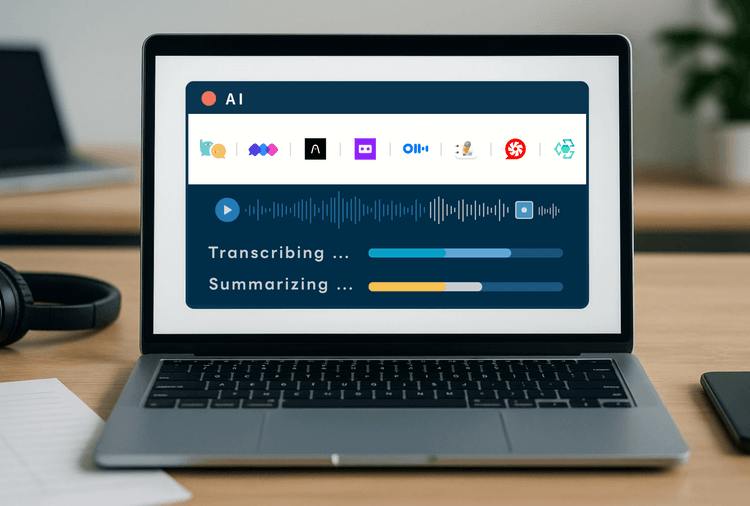
2025年版 AI議事録ツール徹底比較:音声認識と要約スピード実測レビュー(8製品)

顔パスで、議事録へ。Meeting Ink がパスキーログインに対応しました

AI議事録ツールを正しく選べていますか?よくある5つの誤解を徹底解説