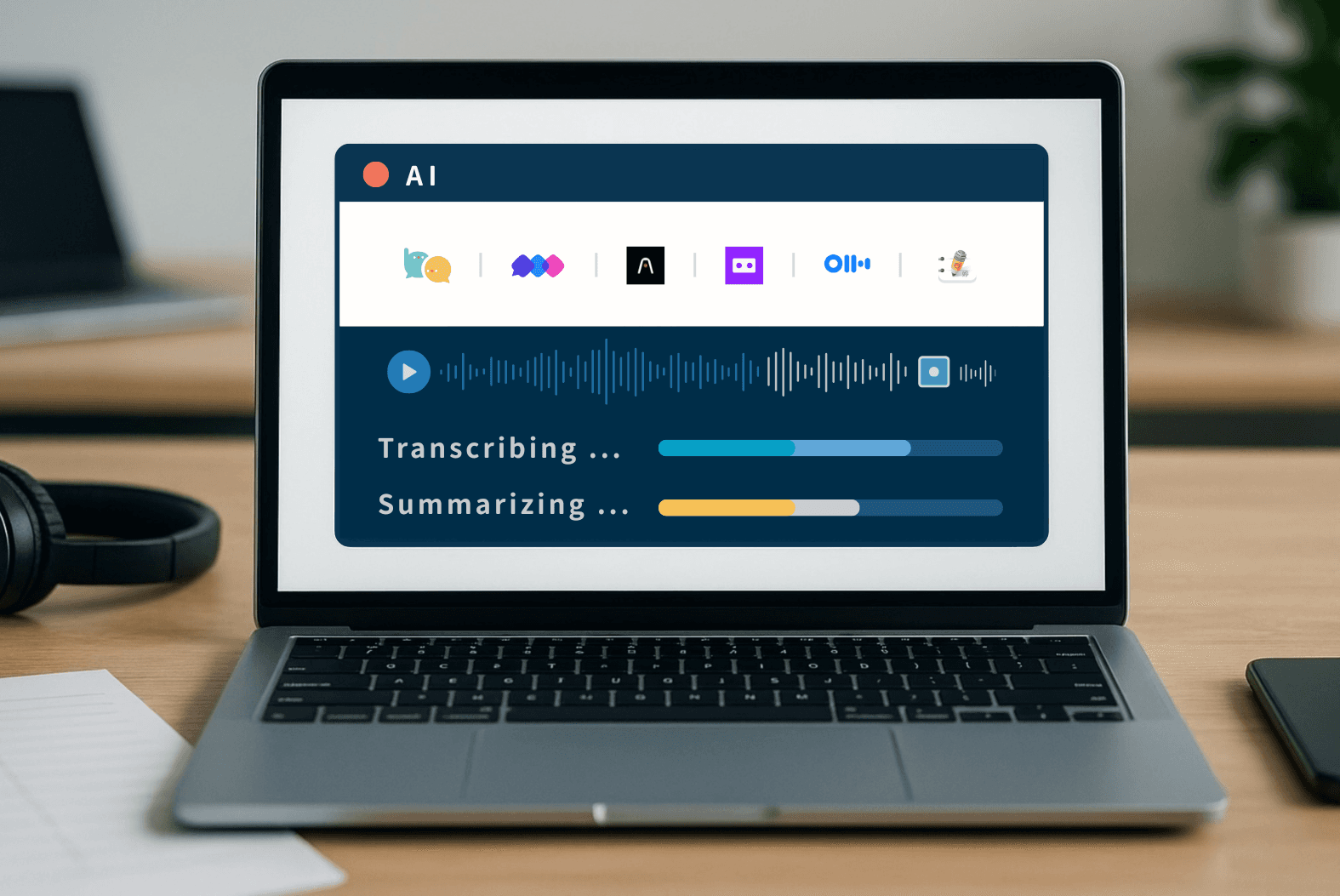
7 AI Meeting Assistant Tools Comparison: Fastest Transcription and Summary
August 12, 2026“I need the transcript of this interview by 2 PM.”
“The team needs to see the meeting summary immediately after the call.”
In today’s fast-paced work environment, having the right AI meeting notetaker can save hours of manual work. Teams using Zoom, Microsoft Teams, or Google Meet increasingly rely on AI transcription and summary tools. Many of these tools not only generate accurate meeting minutes, but also provide live subtitles, translate content, and create summaries—making it much easier to review meetings and manage large amounts of information.
To help you choose with confidence, we tested the real-world speed of seven popular tools: Meeting Ink, Vocal.ai, Plaud, Good Tape, Otter.ai, Granola and Jamie. Which tool performs best when time is tight? Which one delivers instant summaries? And which uploads files quickly but falls behind when generating the final output? We break it all down so you can compare performance, workflow, and features with no guesswork and no unpleasant surprises.
What causes the differences in performance between these AI tools?
The process of AI transcription and summarization can be broken down into three main technical stages, each influenced by specific factors and underlying technologies:
By understanding these stages, it’s easier to see why some tools are faster, more stable, or better at handling large files, while others may lag in certain parts of the workflow.
How Meeting Ink boosts meeting efficiency?
⚖️ Products Compared in This Test
Here’s the list of AI note-taking apps and transcription tools we’re comparing, highlighting their key features, performance, and usability:
Meeting Ink
- Supports live captions, AI summaries, and speaker separation, making it ideal for various meeting scenarios.
- Allows both live recording and audio file uploads, with support for multiple languages.
- Offers a browser-based tab recording feature.
Vocal.ai
- Provides audio uploads, AI-generated summaries, and meeting topic categorization.
- Includes basic team collaboration features.
Plaud
- A voice recording tool that combines a hardware recorder with a mobile app.
- Focuses on real-time transcription and call recording.
Good Tape
- Designed for simplicity and ease of use, with support for multilingual transcription.
- Optimized for fast and straightforward audio-to-text workflows.
Otter.ai
- Offers real-time speech recognition and transcription summaries.
- Integrates with popular meeting platforms, with searchable notes and sharing options.
Granola
- Desktop-only Windows/Mac app (no web version)
- Provides live recording, real-time transcription, AI-generated notes, and a built-in chatbot.
Jamie
- Windows/Mac meeting note-taker app that requires installation.
- Offers live recording, basic transcription and summary, and an AI chatbot.
Which Tool Is Fastest in Practice?
To find out, we tested each tool across the full workflow of a typical meeting using three key stages:
- Audio file upload
- Speech-to-text transcription
- Summary generation
We recorded the actual processing times for each stage and compiled them into a side-by-side comparison, so you can quickly see which tools are built for speed and where each one shines.
🔧 Test Setup & Methodology
What We Tested
- A standardized MP3 audio file of equal length for all tools, featuring multiple English-speaking participants to mimic real-world meetings.
- Tests were run on a MacBook Pro using Chrome and a stable Wi-Fi connection.
- Plaud was tested via its dedicated hardware/app interface.
- Each tool was tested 2–3 times per task, and we averaged the results to minimize outliers.
- All tests were performed using the free plan of each tool.
What We Measured
- Upload Time: How long it took from uploading (or starting a recording) until the platform began processing.
- Transcription Time: How long it took to generate the full transcript.
- Summary Generation Time: How long it took from clicking “Generate Summary” until the summary appeared.
This approach gave us a clear, practical view of each tool’s real-world speed and workflow efficiency, helping you pick the right AI transcription software or AI summary tool for your needs.
🟦 Test Results Overview | Processing Speed Comparison
🟦 Hands-On Insights & Use Case Suggestions|Which Tool Is Right for You?
Beyond the three-stage processing times, we also evaluated each tool’s stability, user experience, and feature limitations during real-world use.
Here’s a summary of our hands-on observations and practical insights for each AI transcription tool:
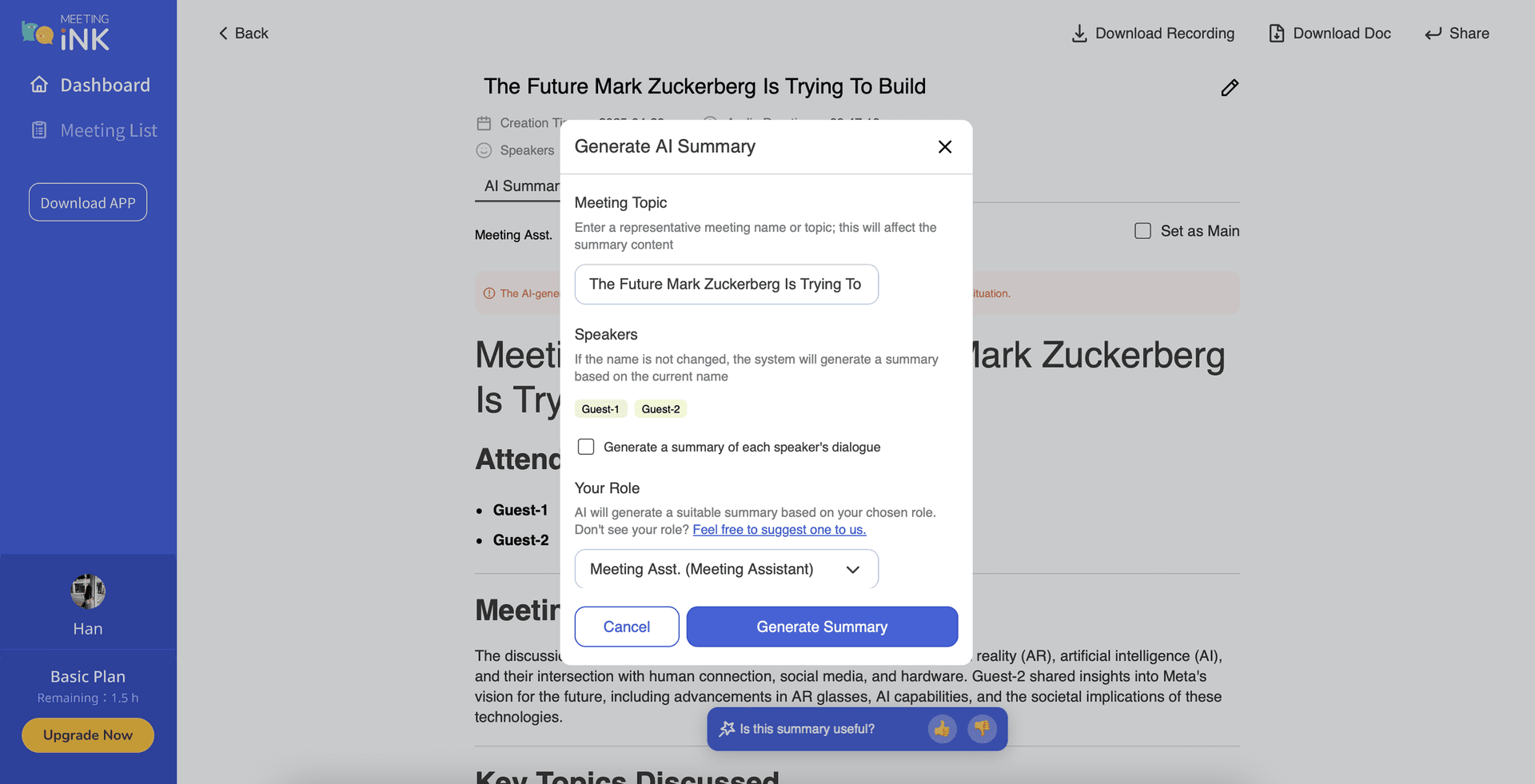
📌 Meeting Ink | Smooth Process, Suitable for Both Live Recording and File Uploads
- The audio upload process was smooth, with stable times across multiple tests.
- After transcription, the completion status sometimes required a manual refresh.
- AI summary generation was fast and stable across different runs.
- Meeting Ink supports both audio file uploads and live recording, with live transcripts and captions, making it a versatile AI meeting notetaker for Zoom, Teams, Google Meet, and more.
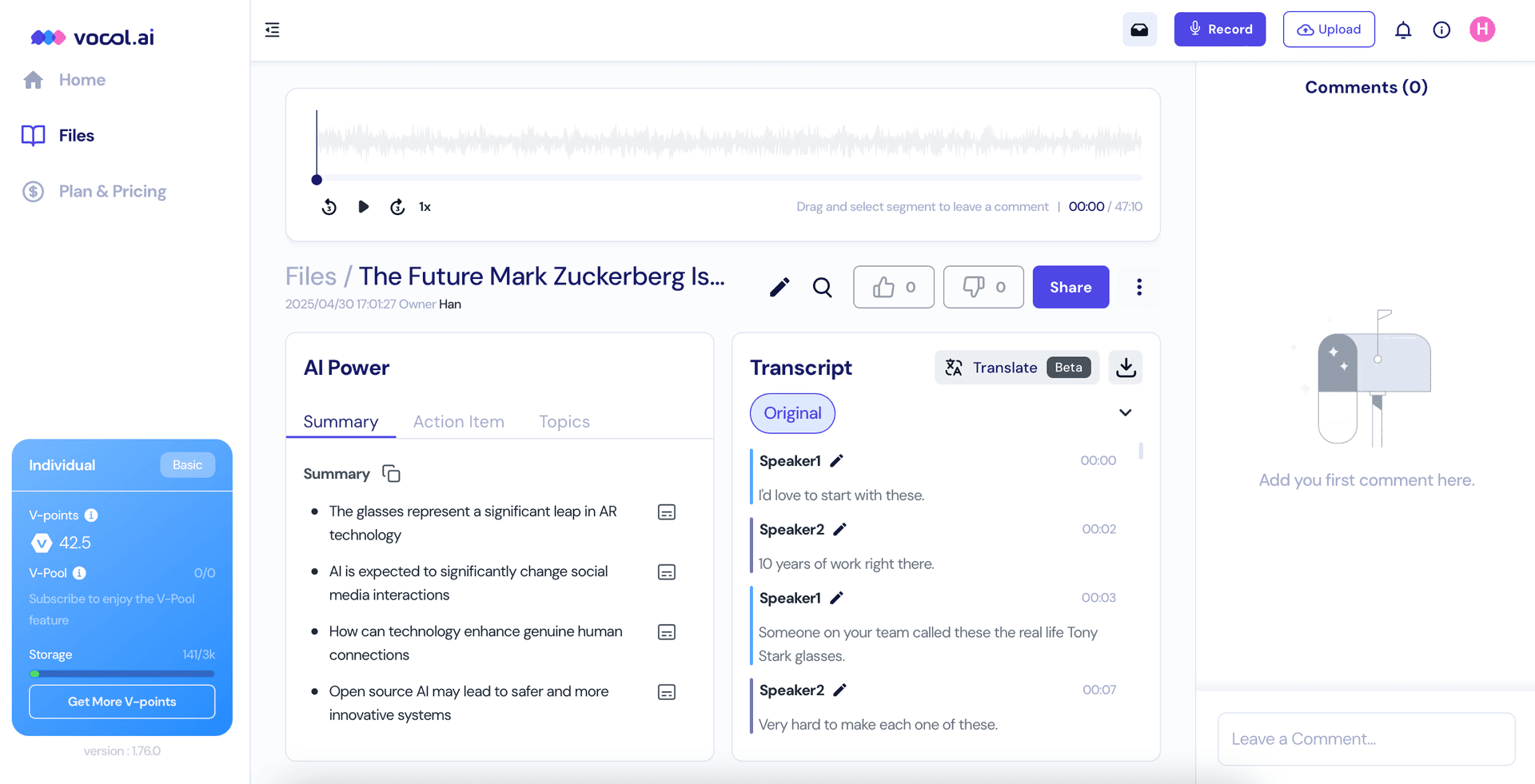
📌 Vocal.ai | Better Suited for Post-Meeting Recap and Organization
- Transcription processing was relatively slow, making it one of the slower performers in this test.
- No visible progress indicator was shown during transcription.
- If you don’t stay on the platform, an email notification is sent when the transcript is ready.
- Does not support live recording or live captions; designed primarily for uploading recordings and organizing content afterward.
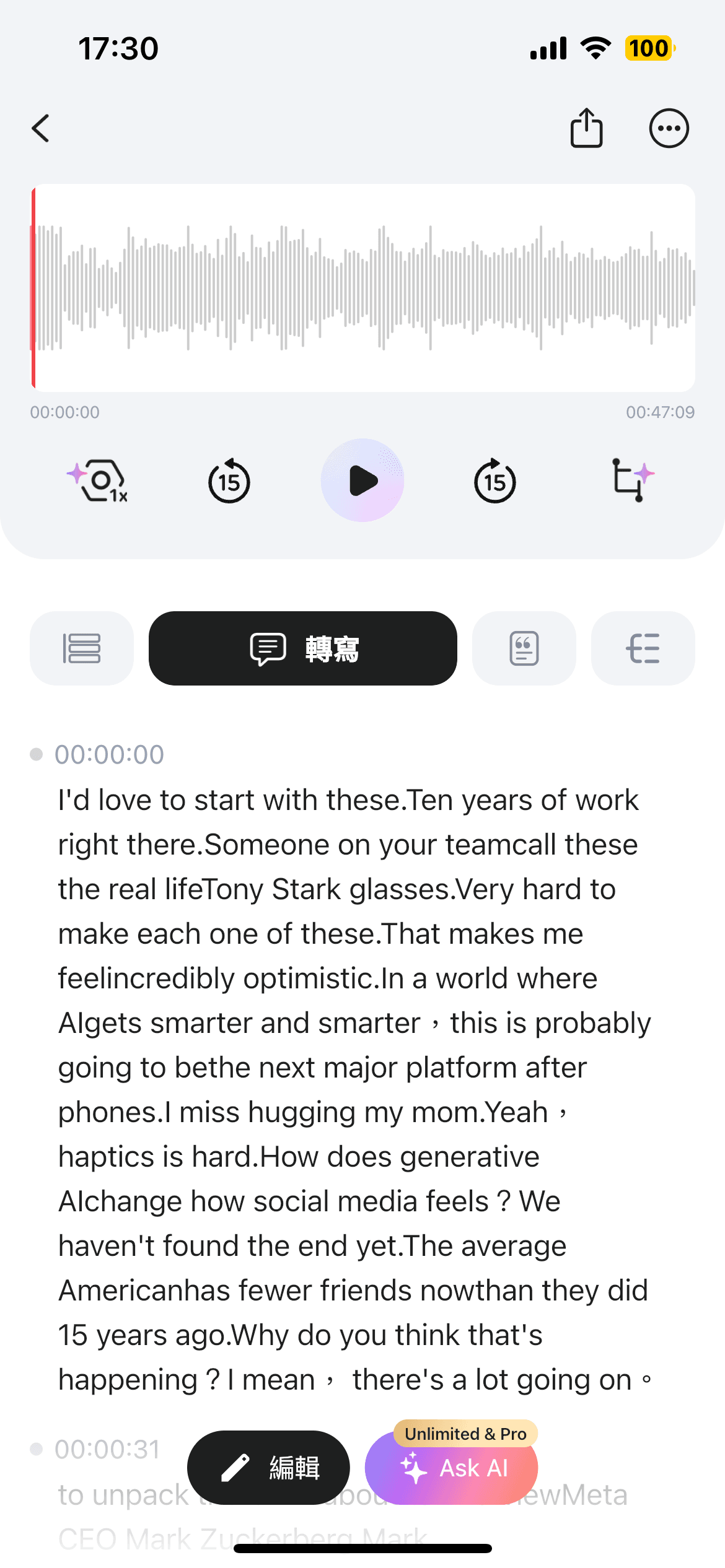
📌 Plaud | A Lightweight Tool for On-the-Go Voice Recording
- The only tool in this test operating via a mobile app; overall processing speed was stable with minimal variation.
- Supports mobile recording only, making it less suitable for computer-based or online meetings.
- Does not offer live captions; designed mainly for post-recording transcription and content organization.
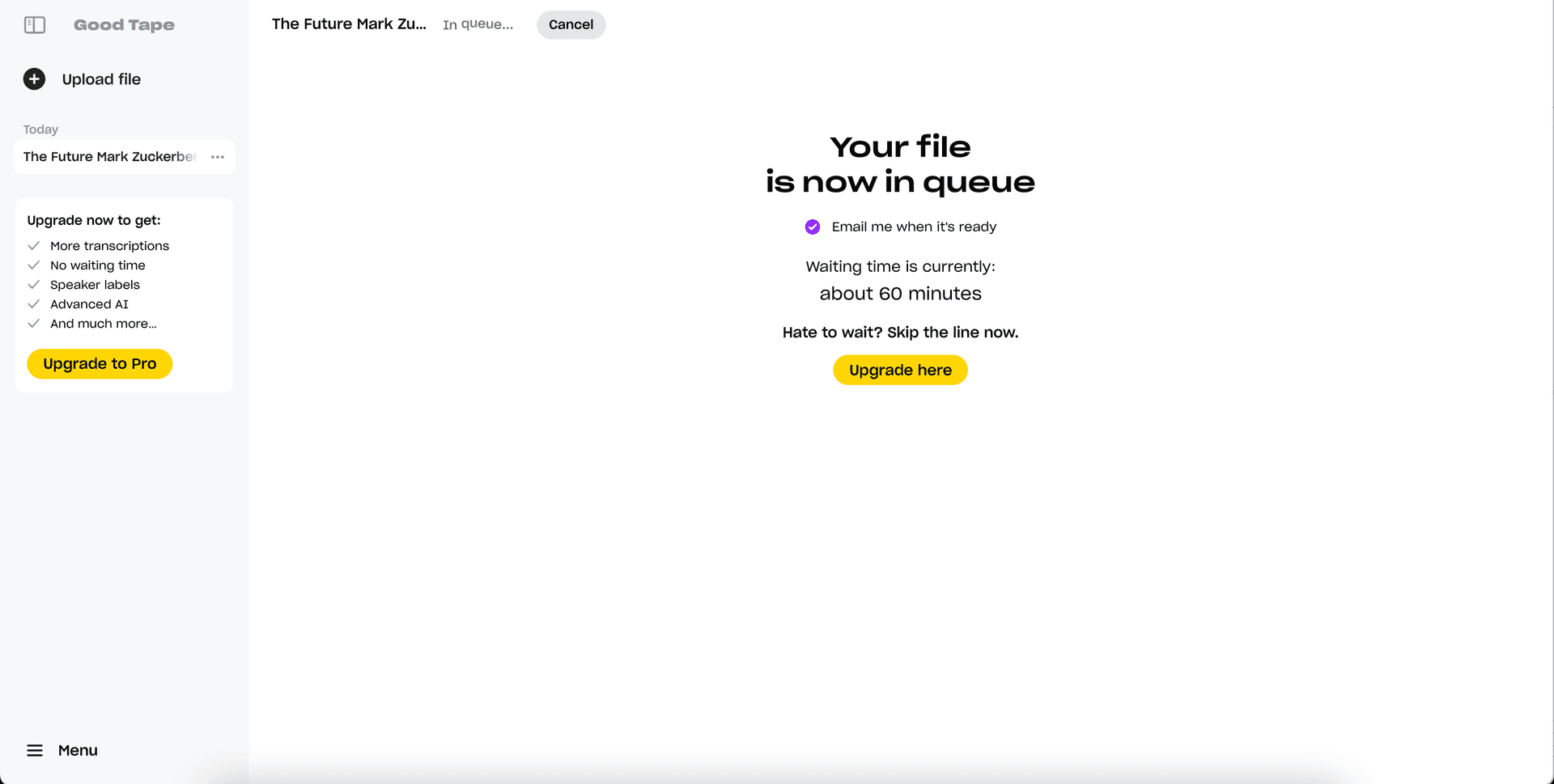
📌 Good Tape | Limited Free Plan and Extended Processing Time
- On the free plan, uploaded audio entered a queue and took over an hour before transcription began.
- The free version does not provide full transcript access or AI summary generation.
- An email notification is sent once processing is complete, but the overall workflow involves long waiting times.
- Does not support live meeting recording or real-time transcription.
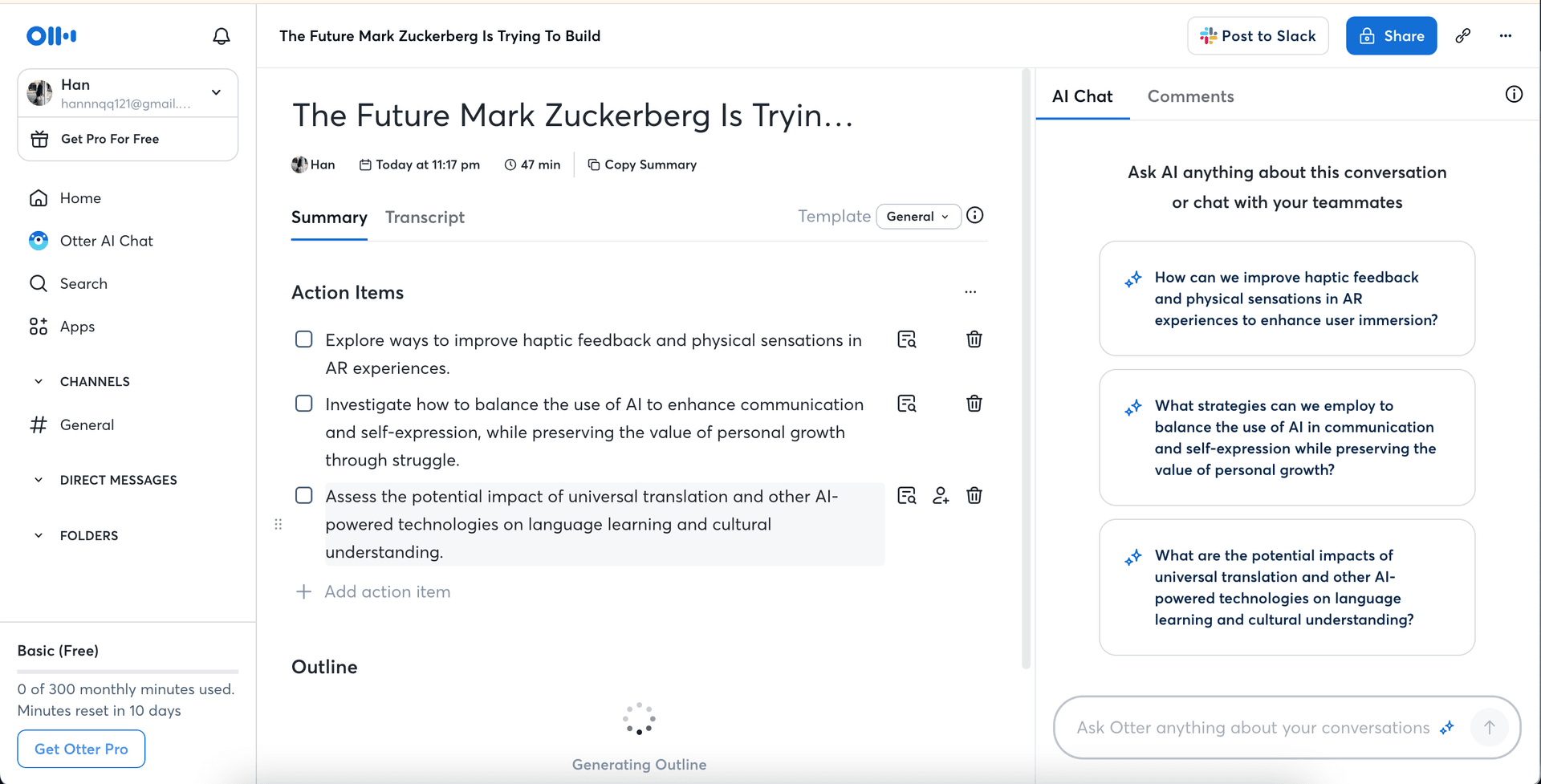
📌 Otter.ai | Strong English Live Caption Support, Slower Processing for Other Languages
- Uploads were generally smooth, but transcription speed was noticeably slower compared to top-performing tools.
- The summary feature occasionally failed to load during testing.
- The free plan limits access to the full transcript and some features.
- Live captions work well in English, but performance for other languages is less reliable.
📌 Granola | Strong Focus on the Notes
- Supports live recording only; file upload is not available.
- Transcript and summary generation were smooth overall.
- Transcripts are plain text with no speaker separation, which can make reviewing harder.
- Offers multiple meeting note templates and a chat function.
- Limited language support; no translation feature.
.png&w=1920&q=75)
📌 Jamie: Basic Transcription and Notes, Limited Customization
- Supports live recording only; transcripts, summaries, and tasks are generated automatically.
- Summary template is standard and cannot be customized.
- AI chatbot allows searching within a single document.
- Does not support live captions or translation, limiting multi-language or collaborative use.
%20(1).png&w=1920&q=75)
⏱ Overall Insights & Selection Recommendations
Based on our tests, if you want a fast and reliable way to generate transcripts and summaries while capturing key points in real time, Meeting Ink stands out as the most balanced option with a well-integrated workflow.
For mobile usage or on-the-go recording, Plaud performs well in both recording and transcription speed, though its feature set is more limited.
Vocal.ai and Otter.ai both offer AI summary tools, but processing times are noticeably slower, and their free plans restrict access to full transcripts and some features.
Good Tape provides basic transcription services, but its free plans have clear limitations in both summarization and processing speed. If you’re on a tight deadline, check whether they meet your workflow needs.
Granola, available only as a desktop app with no web version, is best for storing and organizing notes, supporting live recording only. Jamie, also a desktop app without a web version, focuses on quick live recording and auto-generated summaries, with a chatbot for searching within documents, but no customization options.
📍 When choosing a tool, consider your language requirements, preferred devices, and whether you need real-time or post-meeting processing.
👉 If saving time is your priority, compare tools based on both speed and workflow integration to find the AI meeting notetaker that truly fits your style.
Given the frequent issues with processing delays and inconsistent stability in many tools, we’ll continue refining system performance and aligning product strategies with real-world usage. Future hands-on reviews will also cover data security, permission control, and multi-scenario use cases. Stay tuned!

Prueba gratuita de Meeting Ink
Prueba todas las funciones principales de Meeting Ink y haz tus reuniones más eficientes.
Lectura adicional

Your Face Is the Password Now: Passkey Sign-In Comes to Meeting Ink

Are You Choosing the Right AI Meeting Notes Tool? 5 Common Misconceptions Debunked

Are Google Meet’s Live Captions Not Enough? A Comparison Guide to Meeting Ink’s Cross-Platform Real-Time Translation and Meeting Transcription